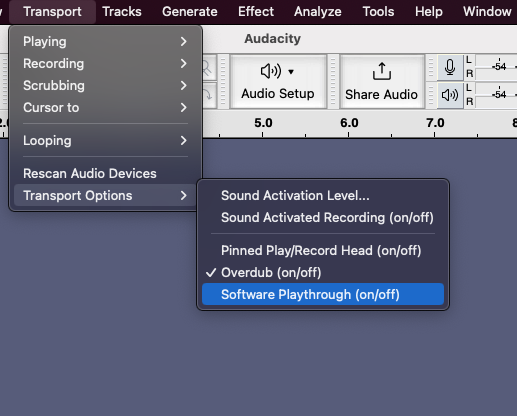
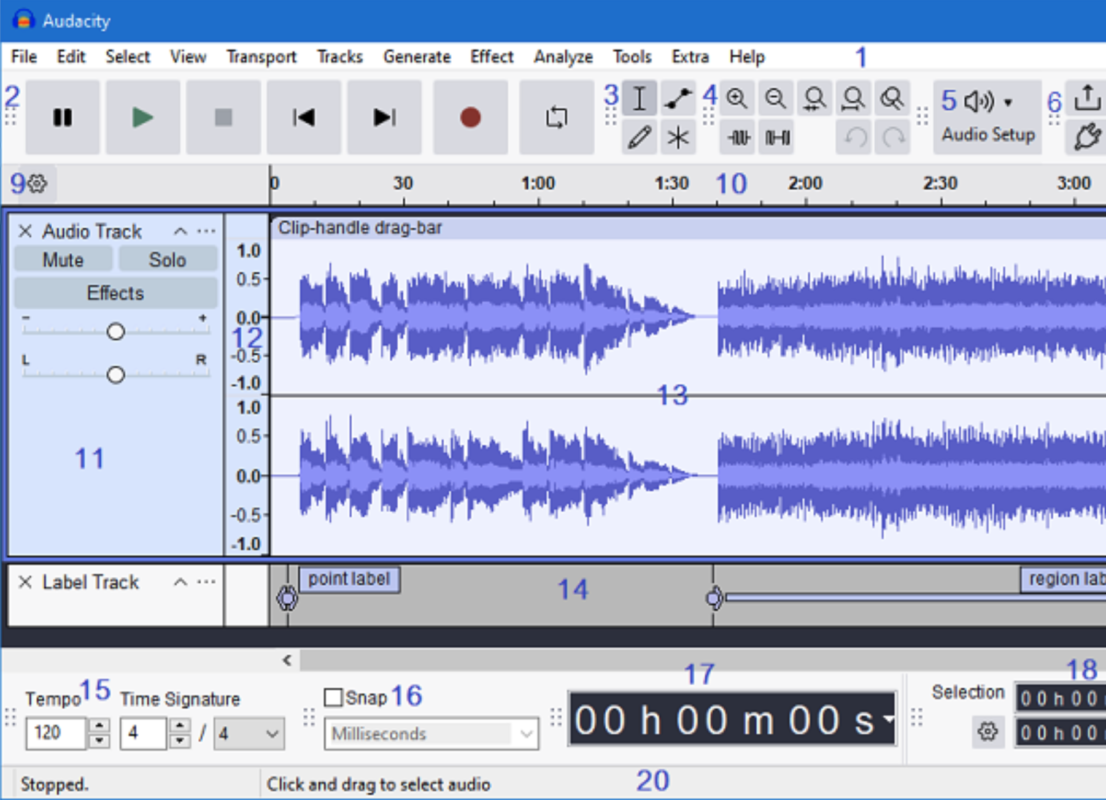
First thing is to plug the UR27 USB output into your PC/Laptop and make the optical connection to your source. Check that the indicator light comes on when the PC/Laptop is powered up. If your source and your PC are far apart, keep the optical link as short as possible and use a good quality USB extension.
Author Archives: Hifime
The UT23 USB to optical converter and DACs with an optical out (UAE23, UAE23HD, UH1) can send 5.1 Dolby digital DTS and AC3 audio. It’s important to understand that 5.1 audio sent over optical is always sent as an encoded and compressed stereo track. This is not only the case for Hifime devices, it’s the [read more]
UR23 is an optical to USB converter (32kHz-96kHz) while the S2 Digi does both optical to USB and USB to optical (44.1kHz-192kHz). Both units shows up as audio devices in Mac, Windows and can be selected as the input/output device in audio programs. Here is a guide on how to record and/or play through optical [read more]
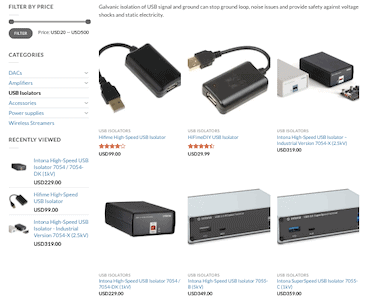
There are several different types and models of USB isolators, understanding which one you need can be confusing. We’ll help you determine which one you need by first identify what you need it for.