04
May
May
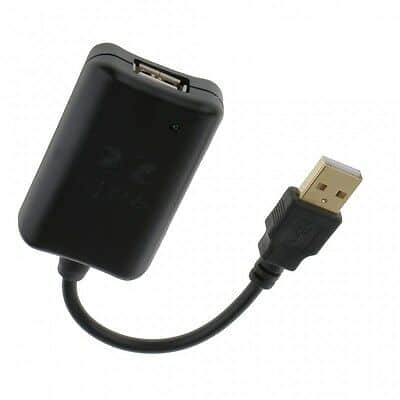
Remove hum, buzzing, whining and computer noise from USB DACs, audio interfaces, USB microphones and other USB audio devices. Find the right Hifime USB isolator for your setup.

Remove hum, buzzing, whining and computer noise from USB DACs, audio interfaces, USB microphones and other USB audio devices. Find the right Hifime USB isolator for your setup.
First thing is to plug the UR27 USB output into your PC/Laptop and make the optical connection to your source. Check that the indicator light comes on when the PC/Laptop is powered up. If your source and your PC are far apart, keep the optical link as short as possible and use a good quality USB extension.
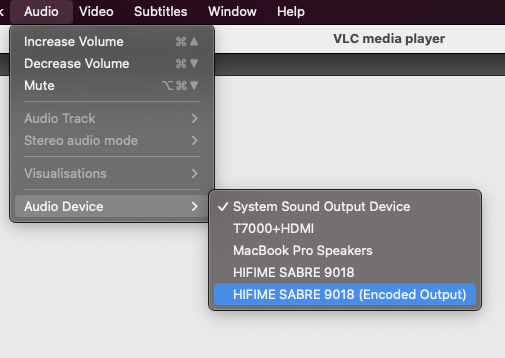
The UT23 USB to optical converter and DACs with an optical out (UAE23, UAE23HD, UH1) can send 5.1 Dolby digital DTS and AC3 audio. It’s important to understand that 5.1 audio sent over optical is always sent as an encoded and compressed stereo track. This is not only the case for Hifime devices, it’s the [read more]
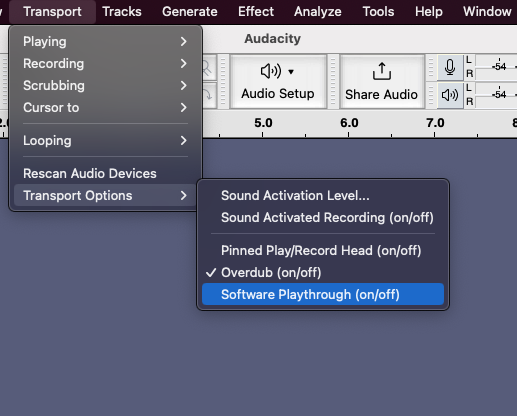
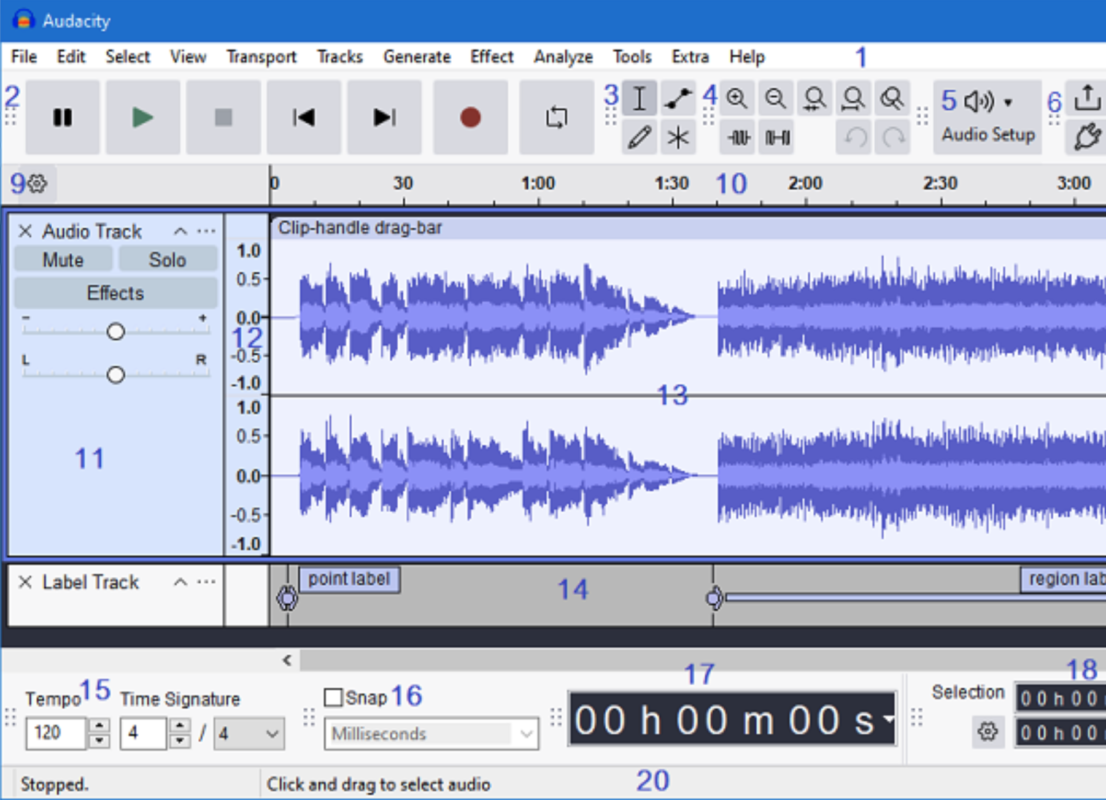
UR23 is an optical to USB converter (32kHz-96kHz) while the S2 Digi does both optical to USB and USB to optical (44.1kHz-192kHz). Both units shows up as audio devices in Mac, Windows and can be selected as the input/output device in audio programs. Here is a guide on how to record and/or play through optical [read more]
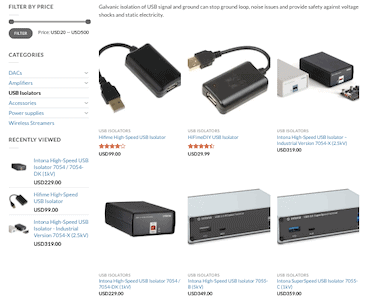
There are several different types and models of USB isolators, understanding which one you need can be confusing. We’ll help you determine which one you need by first identify what you need it for.
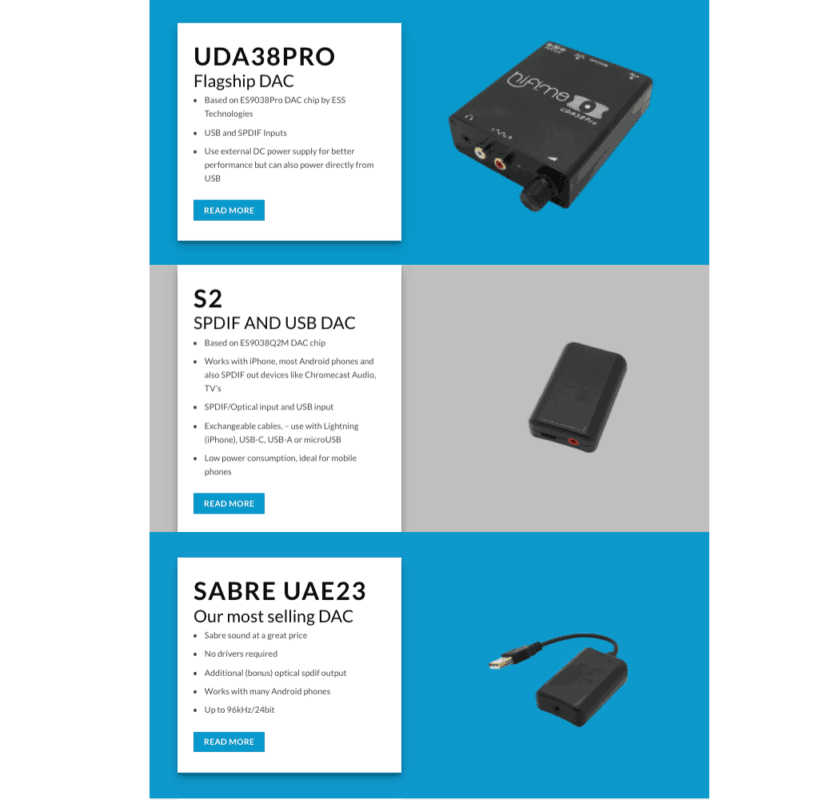
We have updated the DAC comparison, buyers guide and added recent models. Have a look at the new buyers guide here: https://hifimediy.com/dac-comparison-and-buyers-guide/
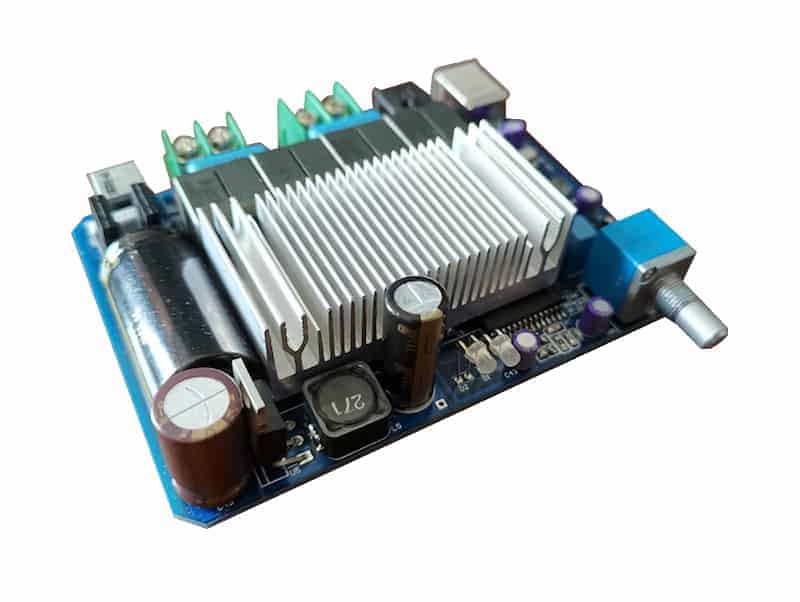
We have received a lot of enquiries on when our UDP80 fully digital amplifier will be back to stock. So we are quite excited to share that we have a new version coming soon! The UDP320 is an upgraded UDP80, capable of 2X150W with USB and SPDIF inputs. This is not a DAC+amp in one, [read more]
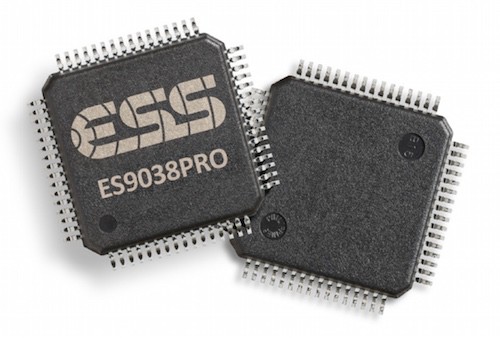
edit: For sale now here The ESS Sabre ES9038PRO chip has received a lot of attention and praised as the most important new DAC chip in ages. It offers such great performance and features so this is easy to understand. Depending on how the chip is used it can achieve up to 140dB dynamic range, [read more]
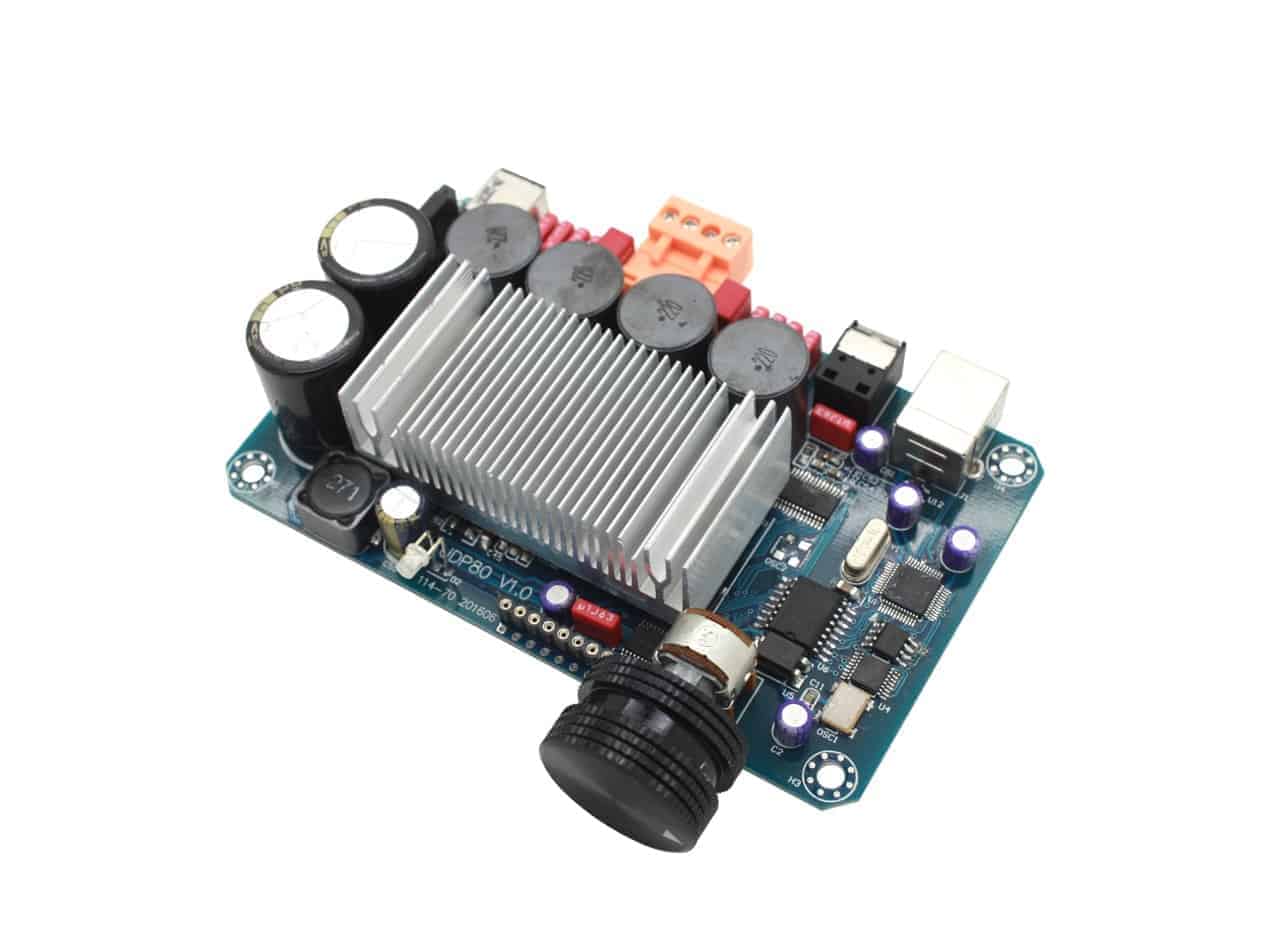
Update: No longer availableA fully digital amplifier is a PWD (pulse width modulation) amplifier with no A/D conversion, no preamp or any analog signal path before the final output stage. It’s like you remove a bunch of parts and just have a single chip to amplify the digital signal directly to speaker level. You can [read more]
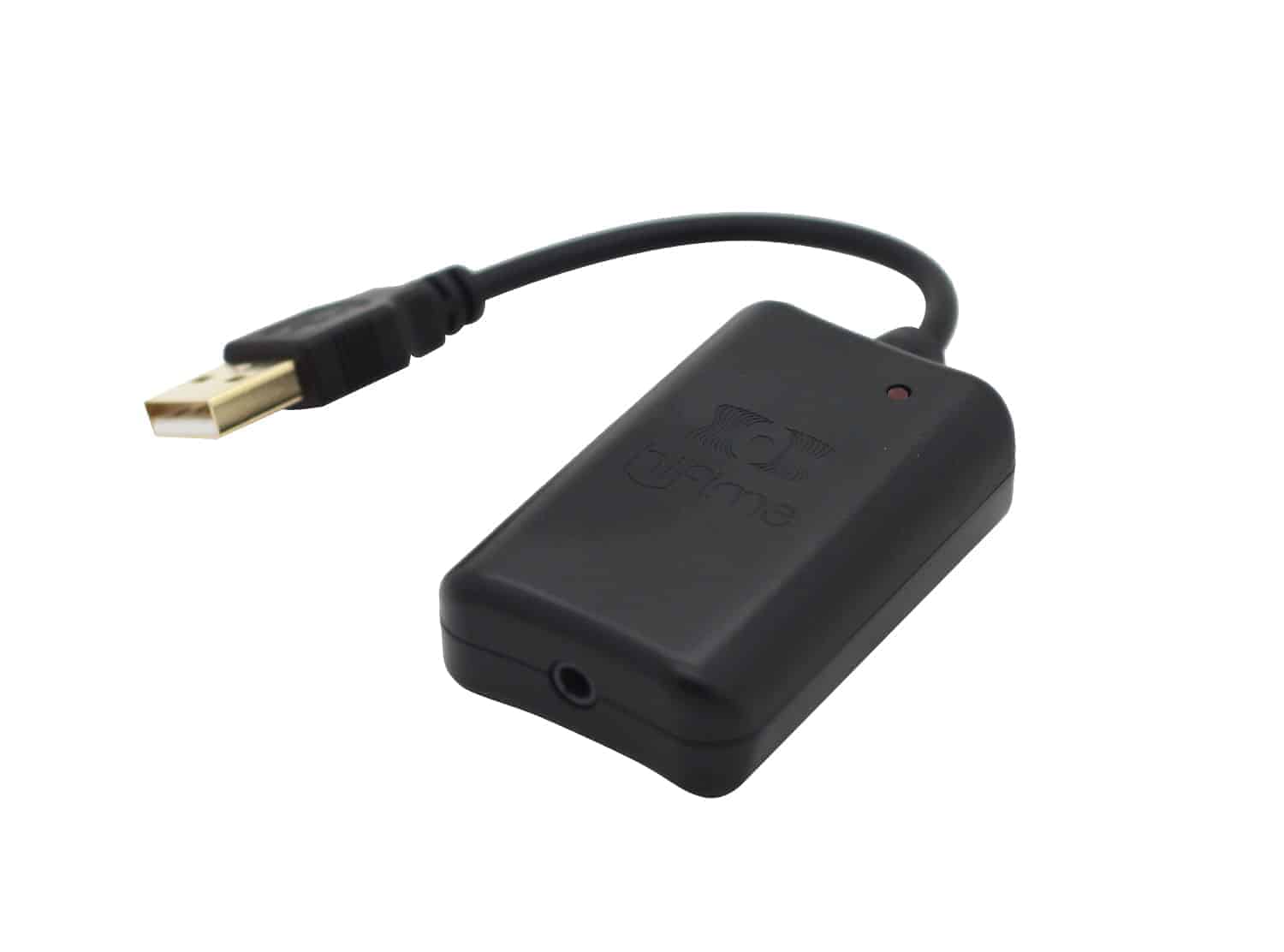
New Hifime Sabre 9018 DAC! Background The new Hifime Sabre 9018 DAC is a great sounding audiophile DAC at an unbelievable price. We have picked the most important features to include in this DAC be able to make a incredible sounding DAC at this low price. It comes in a new nice looking case which is [read more]